

Most of the plugins we rely on come from big teams. Some of the best small tools come from a single developer who built them for their own work first and then decided to share them. RotiStudio is one of those, and its founder, Tamás Rottenbacher, is a partner of ours, so we wanted to introduce his work properly.
Tamás is a senior WordPress and WooCommerce developer with more than ten years in web development, SEO, UX design and performance work. He is an active member of the Hungarian WordPress community and a regular speaker at its meetups. RotiStudio started as a way to publish the tools he had written to speed up his own projects. There are four plugins so far, all free on WordPress.org, and they share a clear philosophy: small code, no unnecessary features, nothing loaded that a page doesn’t need.
That philosophy shows in how they are built. According to RotiStudio, the code follows the WordPress Coding Standards, is checked with ESLint, and passes Plugin Check and W3C validation. Every plugin is translation ready, and support runs through the WordPress.org forums as well as RotiStudio’s own site.
RefiTune: 37 small fixes, each one opt-in
RefiTune is the toolkit you install on a fresh site to take care of the dozens of small things WordPress does by default and most sites don’t need. It has 37 modules in five groups, and every one of them is off until you switch it on:
- Performance: clean up the page head, drop emoji scripts, jQuery Migrate and oEmbed, control the Heartbeat API, limit revisions, convert JPEG and PNG uploads to WebP, and add preload hints for critical files, including fonts from the Font Library.
- Security: turn off XML-RPC and the file editor, hide version tags, limit failed logins, make login errors generic, restrict REST routes and wp-admin access by role, and block disguised uploads such as double extensions or files whose content doesn’t match their type.
- Visual, email and the rest: show blocks only on mobile, only on desktop or only to certain roles, brand the login page, send mail through SMTP with an encrypted password, switch on a maintenance page, and allow SVG and AVIF uploads for chosen roles, with SVGs sanitized.
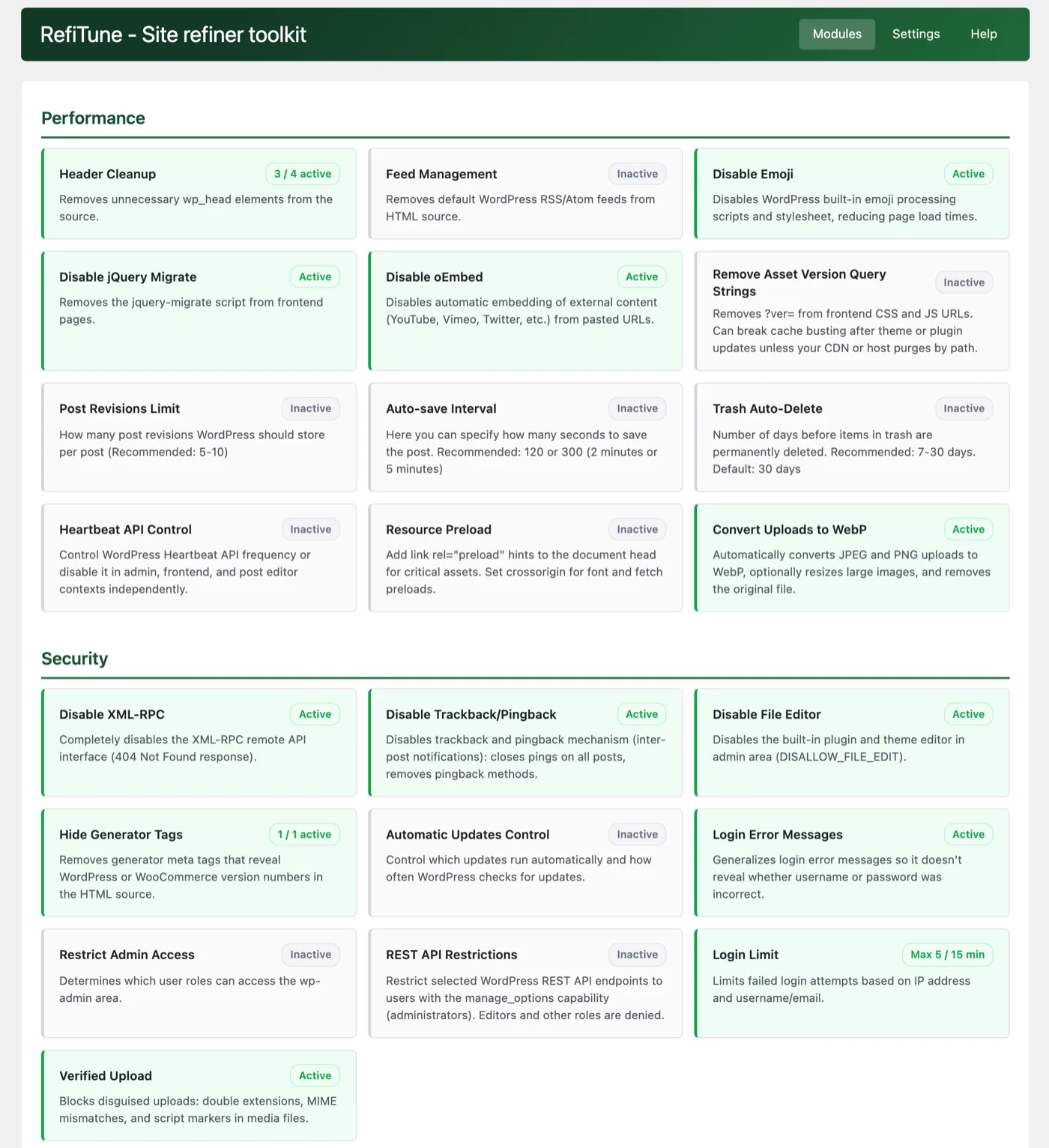
What we like most is the honesty. Each module has a help page that explains the trade-off, for example that removing version query strings can break cache busting. When a setting is already fixed by a constant in wp-config.php, RefiTune shows it as locked instead of quietly fighting it.
Post Meta Editor and Cleaner: see what your old plugins left behind
Every page builder, SEO plugin and shop extension stores its own data in the wp_postmeta table, and most of it stays there after you remove the plugin. Post Meta Editor and Cleaner lists every meta key on the site with the number of entries, the space it takes and, for more than 50 popular plugins, which plugin created it.
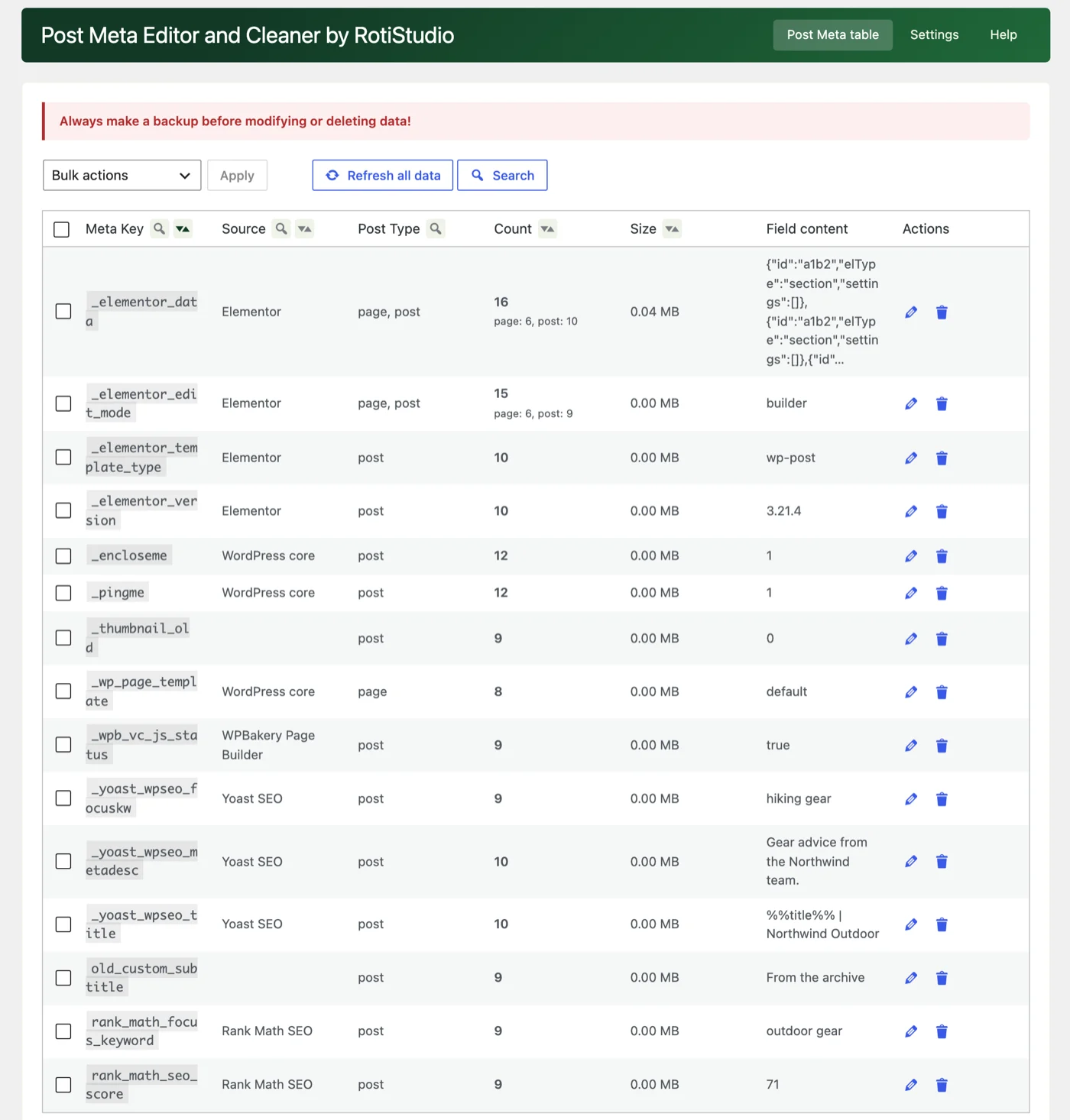
From the table you can delete keys in bulk, either completely or only their values, overwrite values, or run a search and replace across all posts. The search and replace understands serialized data, even double-serialized values, and skips anything that contains PHP objects. That makes it handy after a domain change too. Large operations run in resumable batches, and on big WooCommerce catalogs the scan only starts when you ask for it. As the plugin itself warns, take a backup first: deleted meta can only come back from a backup.
Web-Safe Fonts for Editor: 15 fonts with no downloads
Custom web fonts look good but cost a request, sometimes a layout shift, and if they come from Google’s servers, a privacy question. Web-Safe Fonts for Editor adds 15 classic font families, such as Arial, Verdana, Georgia, Palatino and Courier New, to the block editor’s Typography panel, so they work in every block that supports font selection, with Full Site Editing as well.
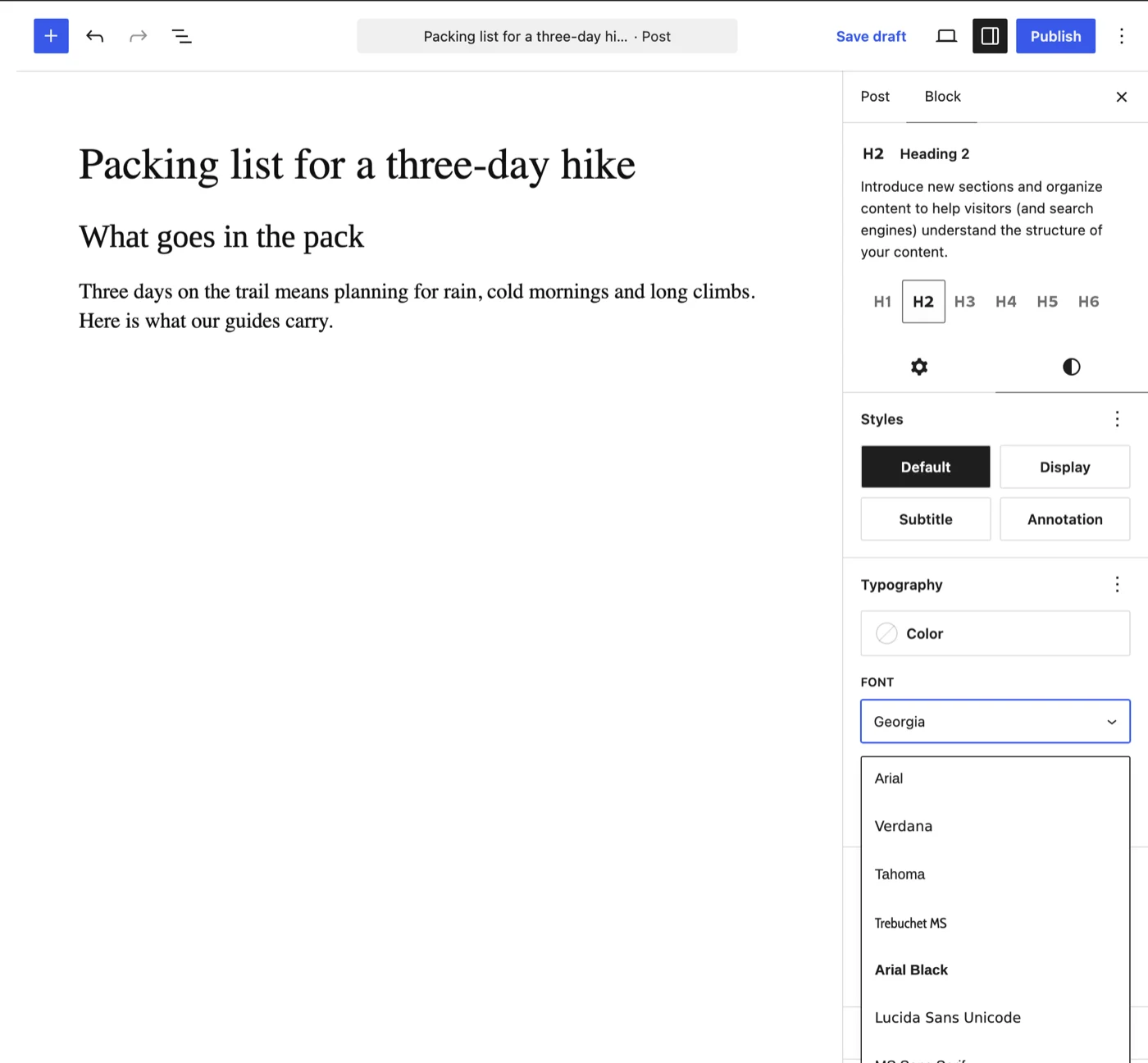
These fonts are already installed on most computers, so they render instantly. For devices that don’t have them, the plugin has a plan B: it serves a close match from its own files, Liberation Sans for Arial or DejaVu Sans for Verdana, so the design holds up there too. Nothing is loaded from an outside server, which means no extra cookie or consent work for fonts.
SVG Block for Dashicons: icons without an icon font
WordPress ships with 334 Dashicons, but using them on the front end usually means loading the whole icon font and its stylesheet. SVG Block for Dashicons adds a block that puts the chosen icon into the page as inline SVG instead. No font file, no extra CSS or JavaScript, and the icon stays sharp at any size. You set its size, color, background, spacing and border like any other block, and you can turn it into a link.
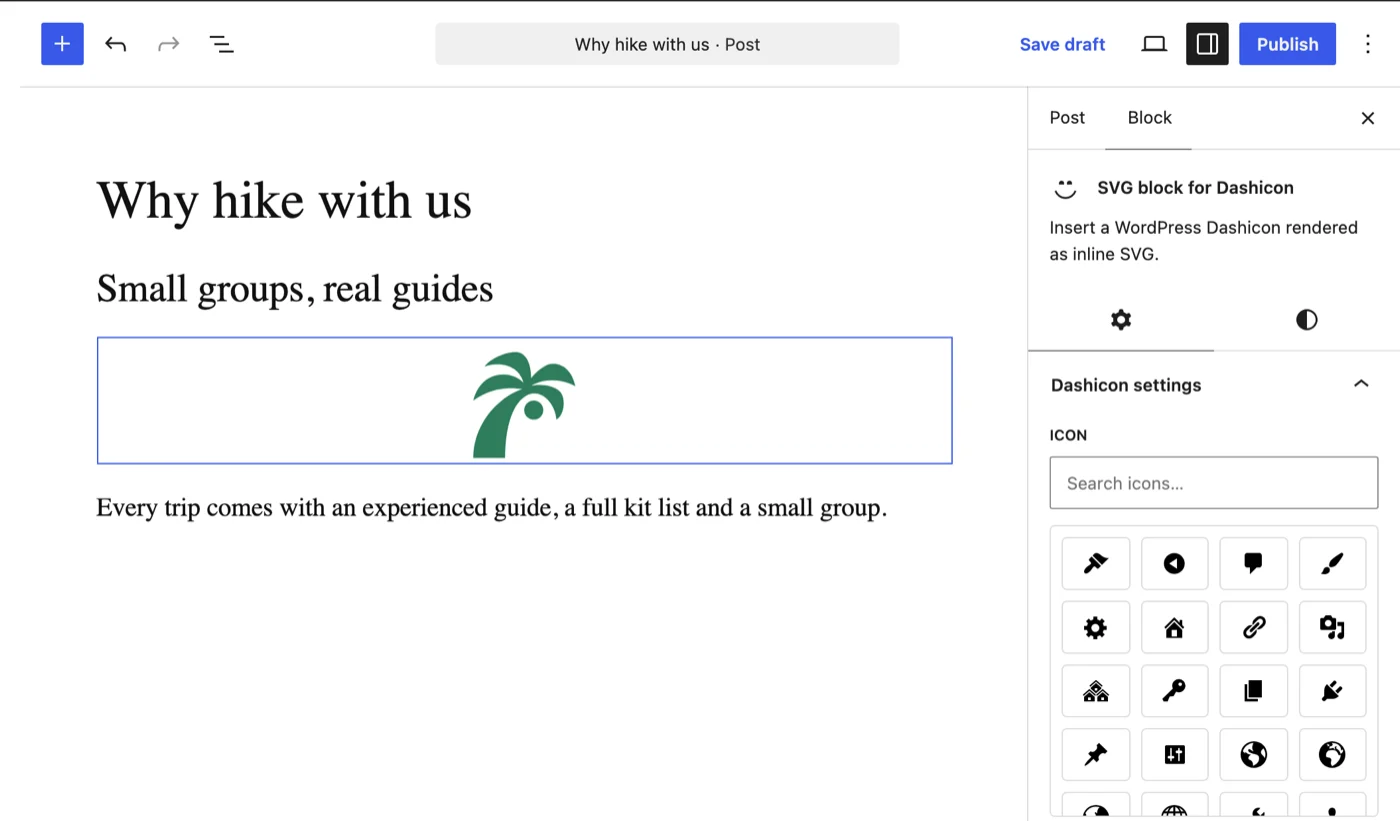
On WordPress 7.1 and newer, the plugin also registers all 334 icons with the core Icons API, so they show up under their own Dashicons tab in the core Icon block as well.
Worth a try
None of these plugins tries to do everything, and that’s the point. Each one solves a specific problem with as little code as possible, and they are all free to install from WordPress.org. RefiTune is the one most sites can use on day one; the other three are the kind of tool you are glad to find exactly when you need it. If you have a question or an idea, Tamás answers on the WordPress.org support forums and through RotiStudio’s site.
