If you have ever counted the plugins on a WordPress site and found four of them exist only to switch something off, you already understand the appeal of an all-in-one admin toolkit. Two plugins own that category right now: Admin and Site Enhancements (ASE), with 200,000+ active installs and a Pro tier, and Must-Have Tweaks, our own modular toolkit.
We installed both on the same clean WordPress site and went through them module by module. We build one of them, so read the verdict accordingly — but every “Pro only” and “not available” below was checked against ASE’s own feature pages and its plugin source, not guessed. Where ASE wins, we say so.
The short version
| Must-Have Tweaks | Admin and Site Enhancements | |
|---|---|---|
| Modules | 45, all included | 76 total: 58 free (32 with Pro extras), 18 Pro-only |
| Two-factor authentication | Included — TOTP and email OTP | Pro only |
| Passkeys / biometric login | Included | Not available |
| Magic link login | Included | Not available |
| Code snippet manager | Included, with AI assistance | Pro only, no AI |
| File manager | Included | Pro only |
| User activity logging | Included | Not available |
| Database manager | Included | Not available |
| Cron manager | Included | Not available |
| Role & capability editor | Included | Not available |
| Temporary user accounts | Included | Not available |
| Email logging | Included | Pro only |
| Price, 1 site | $29 / year | $39 / year (Pro) |
| Price, 5 sites | $79 / year | $99 / year (Pro) |
How we tested
- WordPress: 7.0.2, clean install, Twenty Twenty-Five theme
- PHP: 8.3.33, Apache on Linux x86_64
- Plugins: Must-Have Tweaks 0.1.6 and Admin and Site Enhancements 8.9.2, installed side by side on the same site
- ASE Pro features: verified against wpase.com’s own feature and pricing pages, cross-checked against the free plugin source to confirm which capabilities genuinely do not exist in either tier
- Date: 6 August 2026 — plugin features and prices change, so check both vendors before buying
Login and security
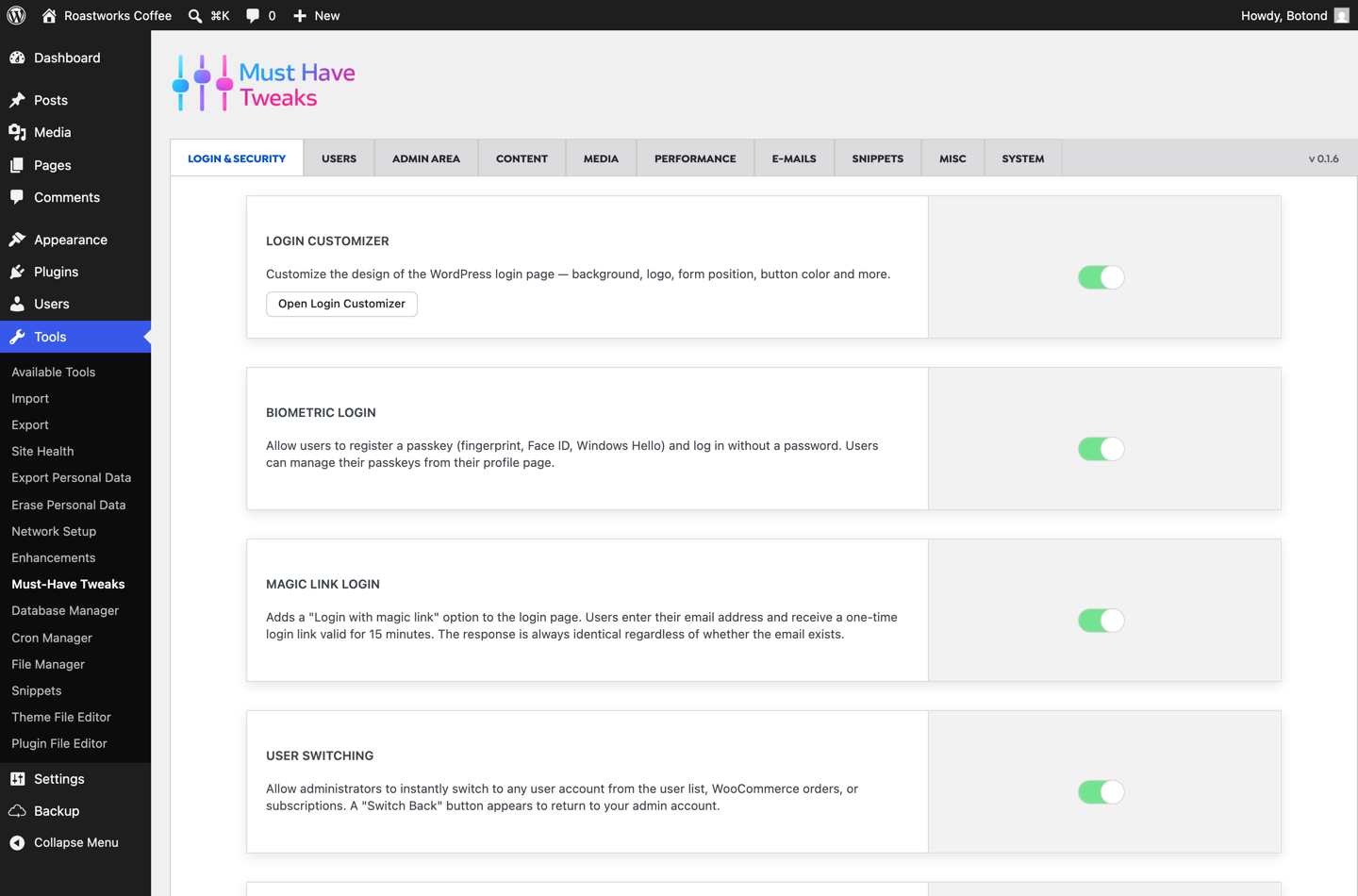
This is the widest gap between the two plugins, and it is worth understanding why. ASE’s free tier gives you brute-force protection; everything else in the authentication space sits behind Pro, and two of the most useful modern login methods are not offered at all.
| Feature | Must-Have Tweaks | ASE Free | ASE Pro |
|---|---|---|---|
| Two-factor authentication (TOTP app) | ✔ | — | ✔ |
| Two-factor authentication (email OTP) | ✔ | — | ✔ |
| Passkeys / biometric login (Face ID, fingerprint, Windows Hello) | ✔ | — | — |
| Magic link login | ✔ | — | — |
| Limit login attempts | ✔ | ✔ | ✔ |
| Login page customizer | ✔ | — | ✔ |
| Change login URL | ✔ | ✔ | ✔ |
| Hide login errors | ✔ | — | — |
| CAPTCHA on login forms | — | — | ✔ |
| Temporary user accounts | ✔ | — | — |
| User switching | ✔ | ✔ | ✔ |
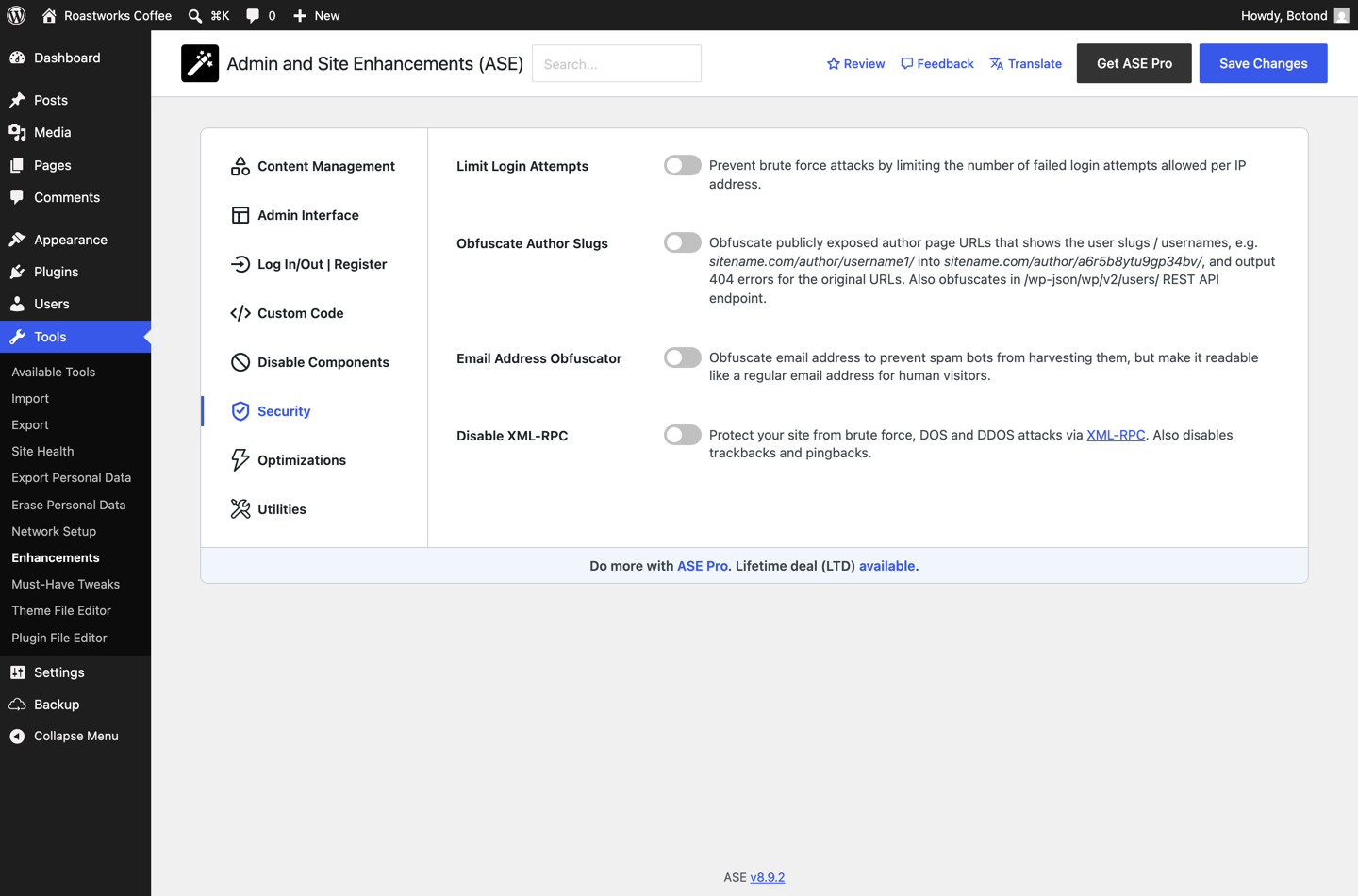
Two omissions stand out. Passkeys — the Face ID, fingerprint and Windows Hello login that browsers and phones now support natively — are simply absent from ASE in both tiers. So are magic links. Must-Have Tweaks ships both, and we have written about why biometric login is worth switching on and when TOTP is the right fit.
ASE has one thing we do not: CAPTCHA protection on login, registration and comment forms, with ALTCHA, reCAPTCHA and Turnstile support. If that is your main requirement, it is a real point in ASE Pro’s favour — though we would point you at Must-Have Captcha instead, which does invisible behaviour-based bot filtering without puzzles.
Developer and site management tools
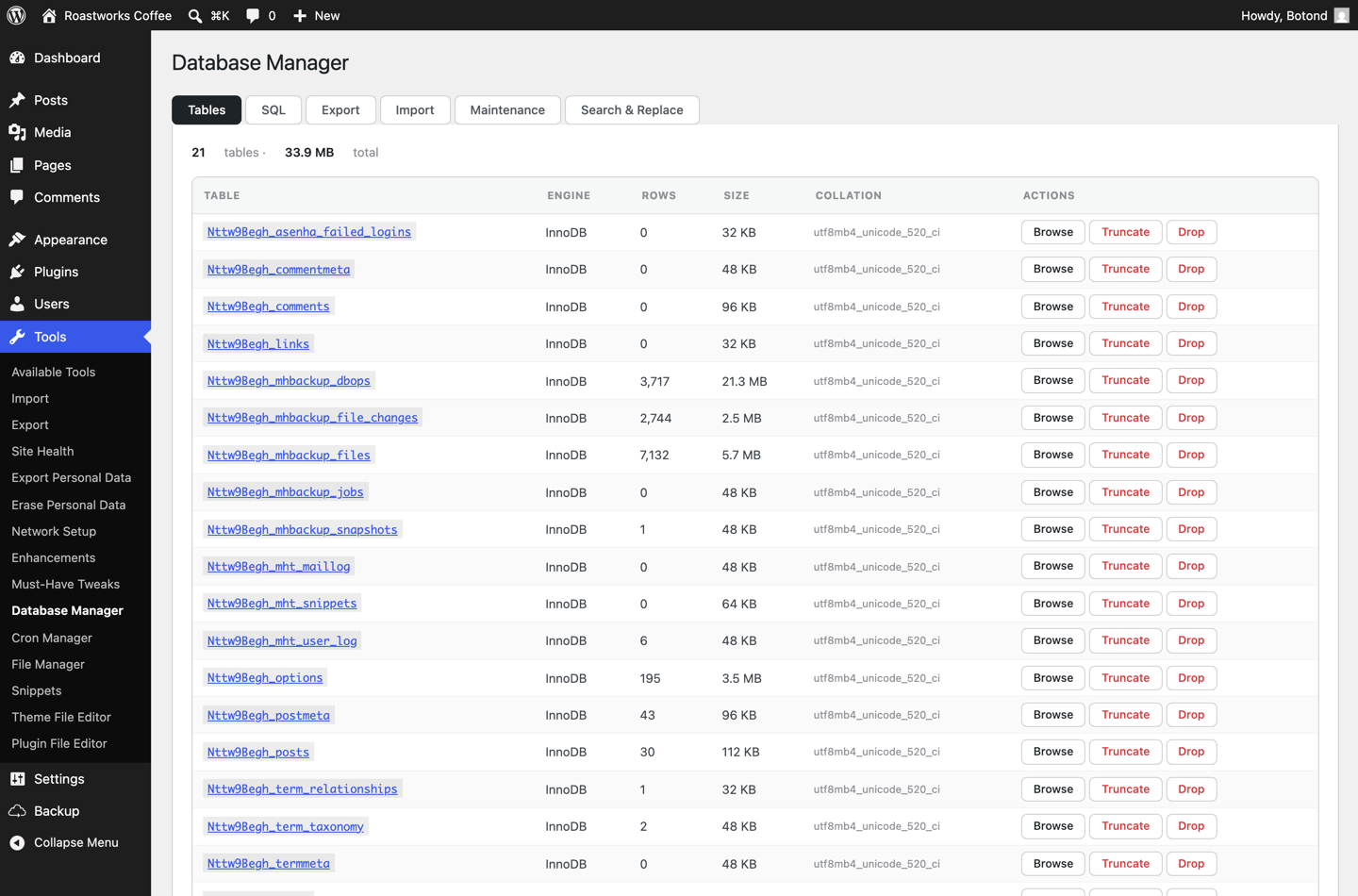
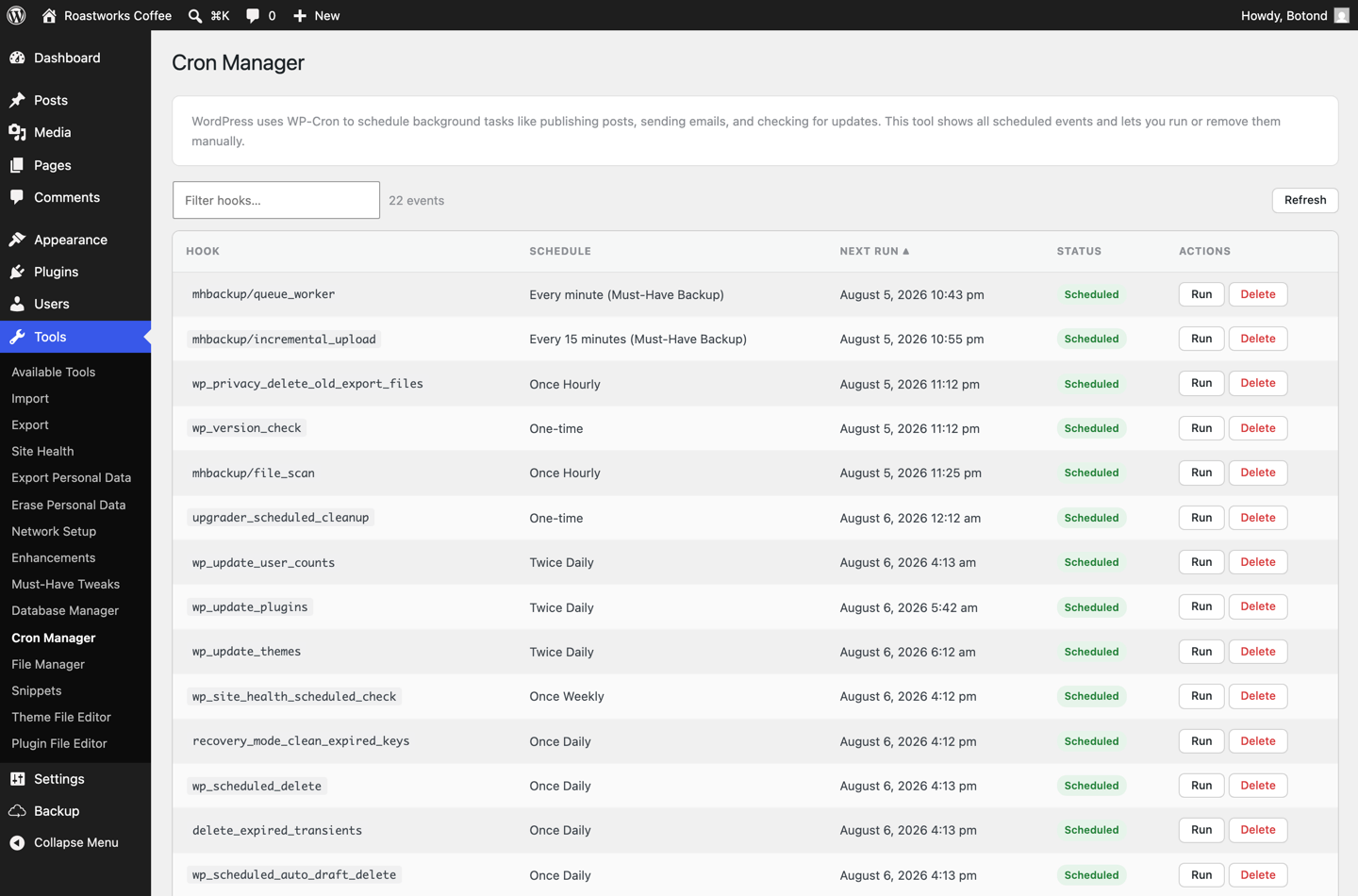
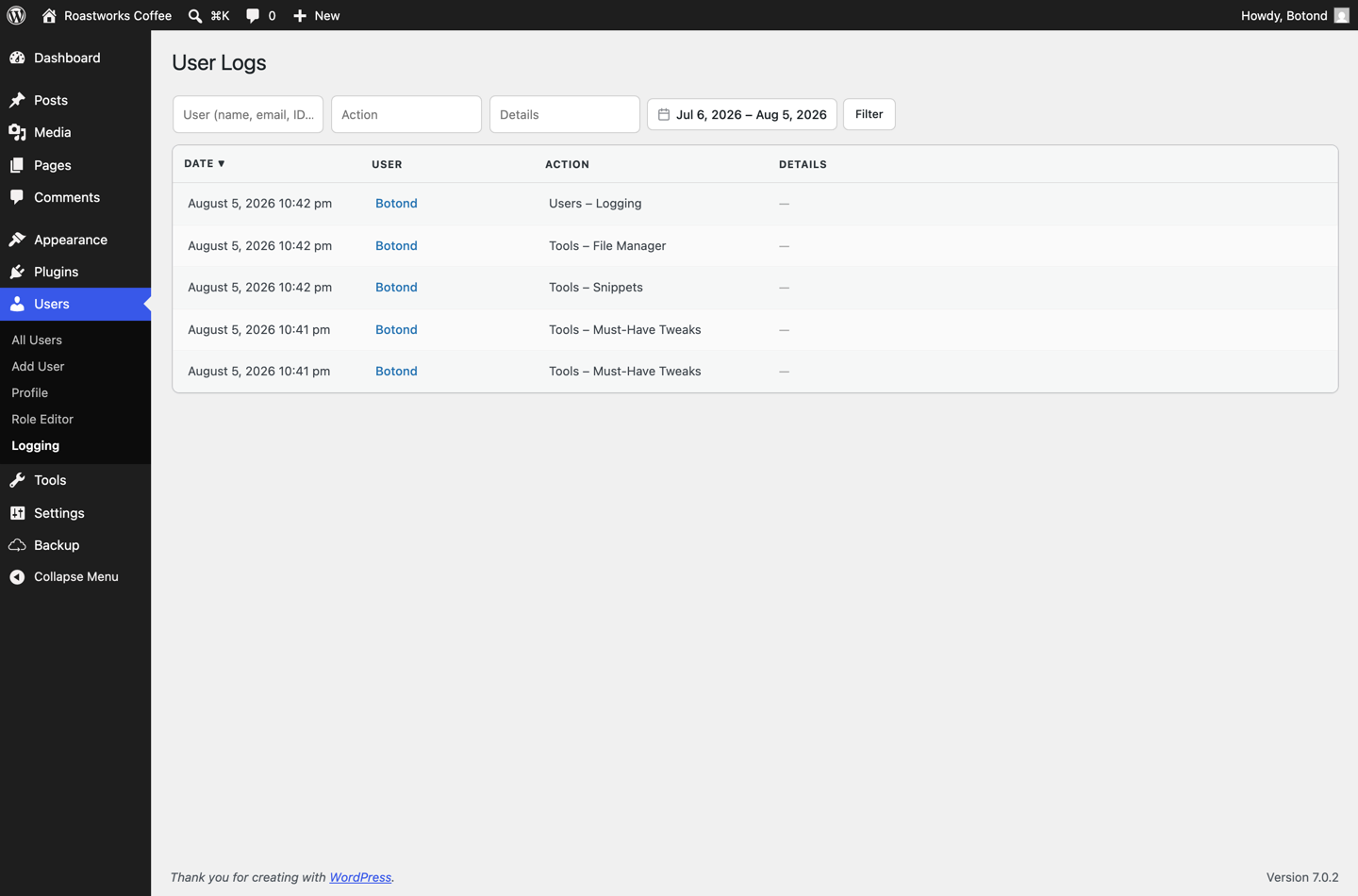
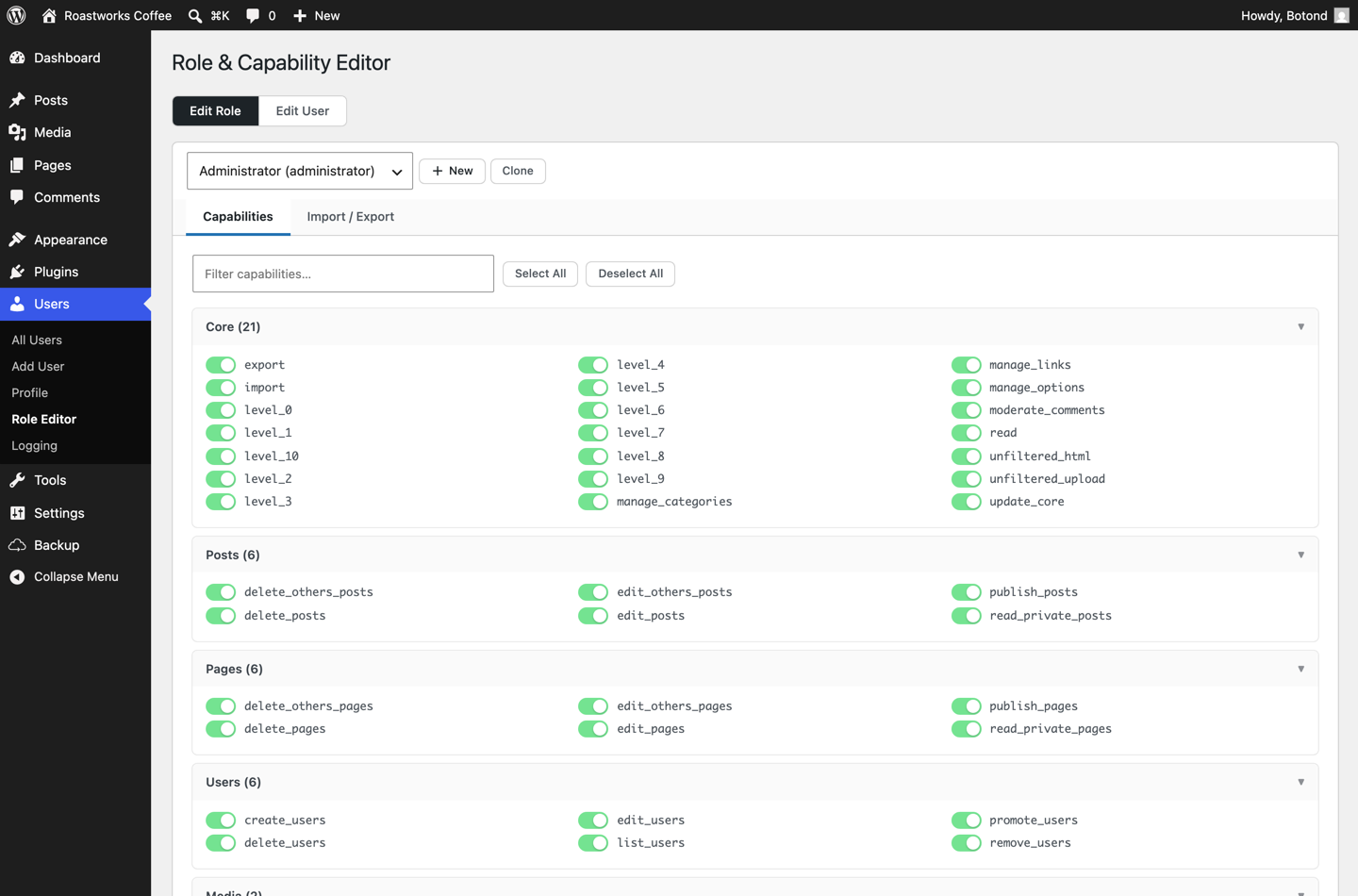
This is where an admin toolkit stops being a collection of switches and starts replacing real plugins. Four of the tools below do not exist in ASE at any price.
| Feature | Must-Have Tweaks | ASE Free | ASE Pro |
|---|---|---|---|
| Code snippet manager (PHP, JS, CSS, HTML) | ✔ | — | ✔ |
| AI assistance for writing snippets | ✔ (Claude, OpenAI, Gemini) | — | — |
| File manager | ✔ | — | ✔ |
| Database manager | ✔ | — | — |
| Cron manager | ✔ | — | — |
| WP-CLI from the browser | ✔ | — | — |
| Role & capability editor | ✔ | — | — |
| User activity logging | ✔ | — | — |
| Custom admin / frontend CSS | ✔ | ✔ | ✔ |
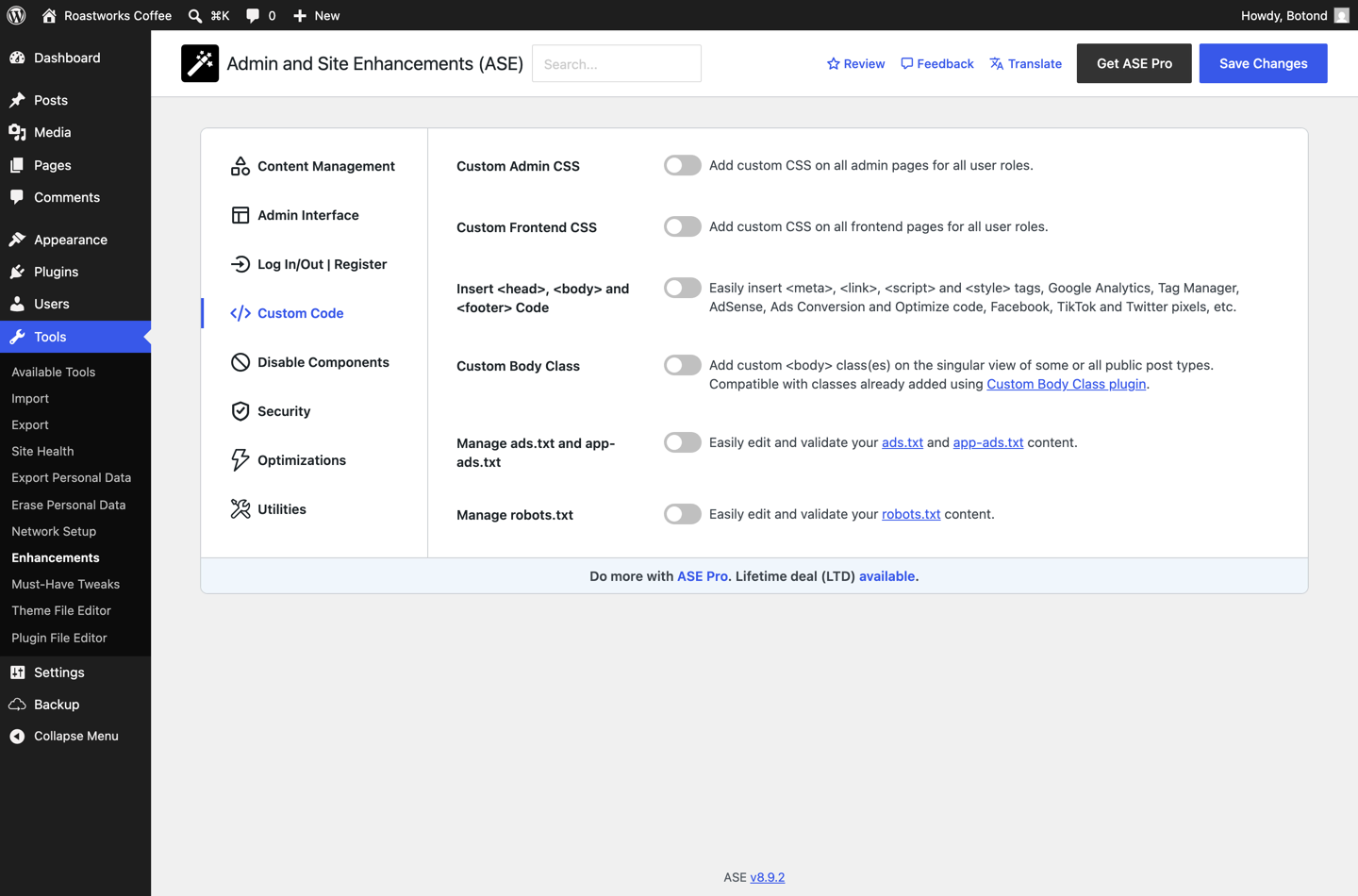
| Head / body / footer code insertion | ✔ | ✔ | ✔ |
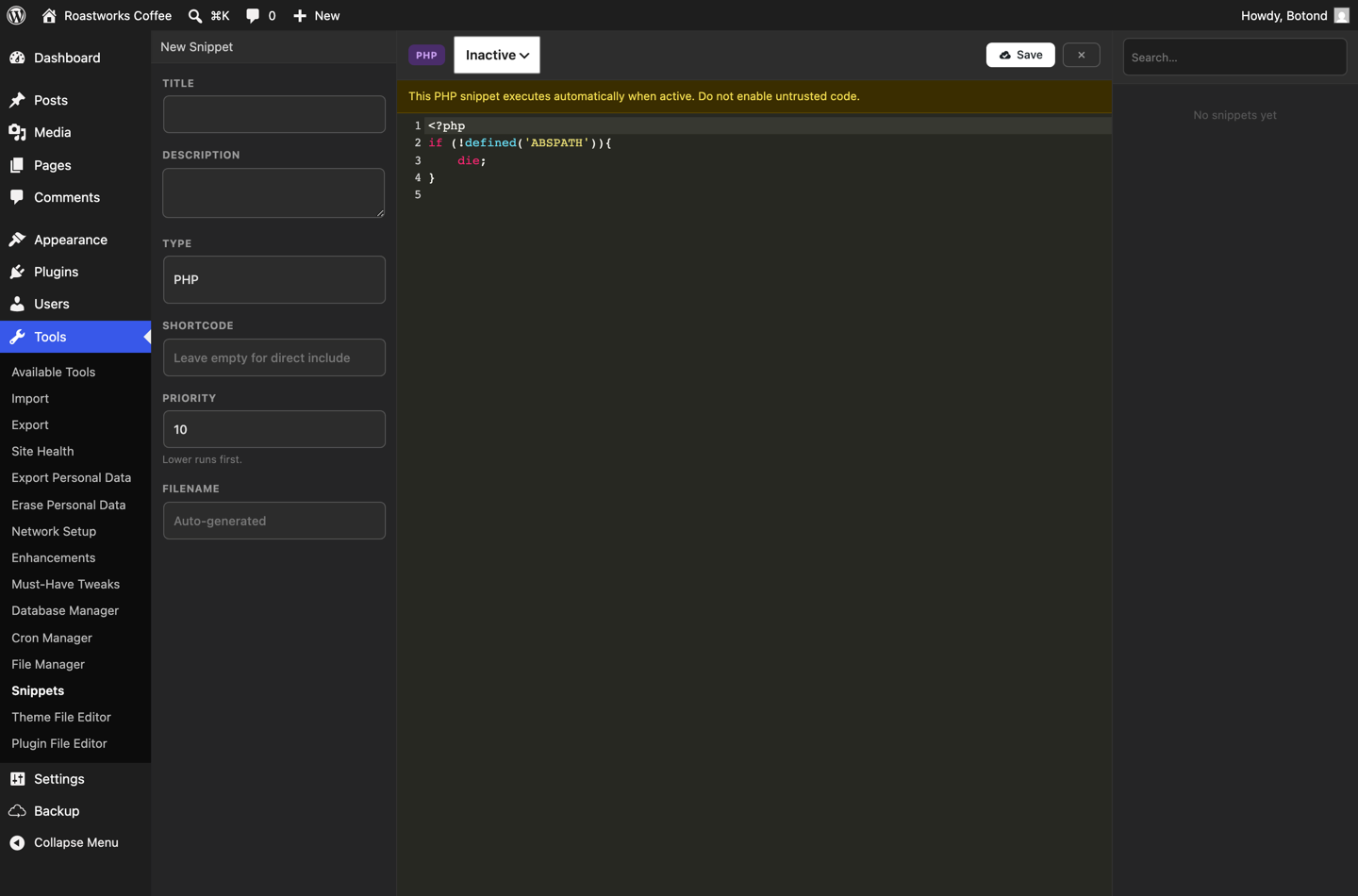
The snippet manager is a full editor with syntax highlighting, per-type organisation (PHP, JS, CSS, HTML), shortcode output, priority ordering and an inactive/active state so nothing runs until you say so.
Email delivery
| Feature | Must-Have Tweaks | ASE Free | ASE Pro |
|---|---|---|---|
| SMTP configuration | ✔ | ✔ | ✔ |
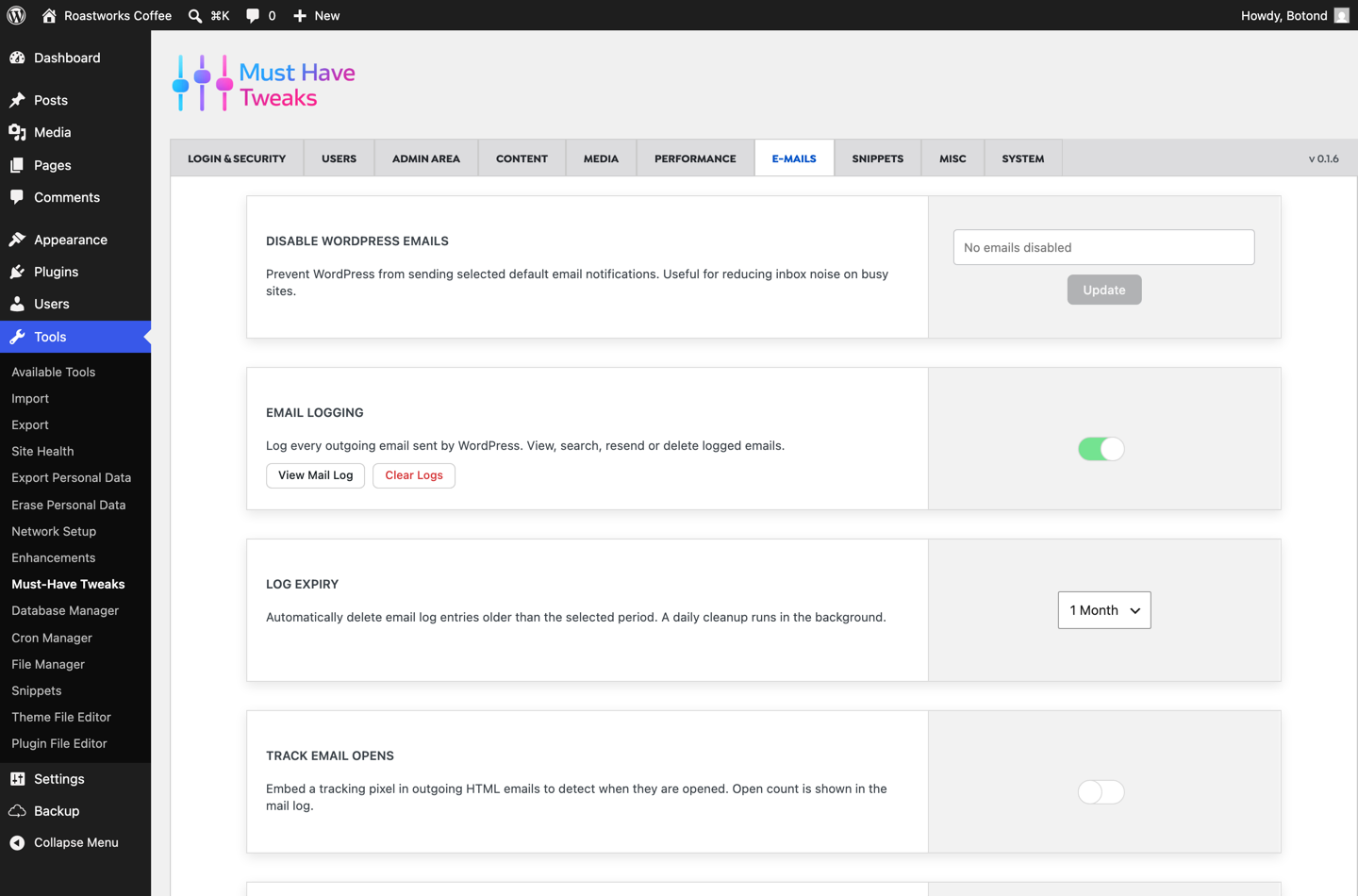
| Email logging | ✔ | — | ✔ |
| Open tracking | ✔ | — | — |
| Disable all outgoing emails (staging safety) | ✔ | — | — |
Both plugins can route WordPress mail through an external SMTP service, which is the fix for the classic “WordPress is not sending emails” problem. The difference is what happens next: with Must-Have Tweaks the log is there by default, so when a customer says they never received their order confirmation you can check in ten seconds. In ASE, logging requires Pro.
Media and performance
| Feature | Must-Have Tweaks | ASE Free | ASE Pro |
|---|---|---|---|
| Automatic WebP conversion on upload | ✔ | — | ✔ |
| Media folders / organisation | ✔ | — | ✔ |
| Replace a media file in place | ✔ | ✔ | ✔ |
| Safe SVG upload | ✔ | ✔ | ✔ |
| CDN URL rewriting | ✔ | — | — |
| Image sizes panel | ✔ | ✔ | ✔ |
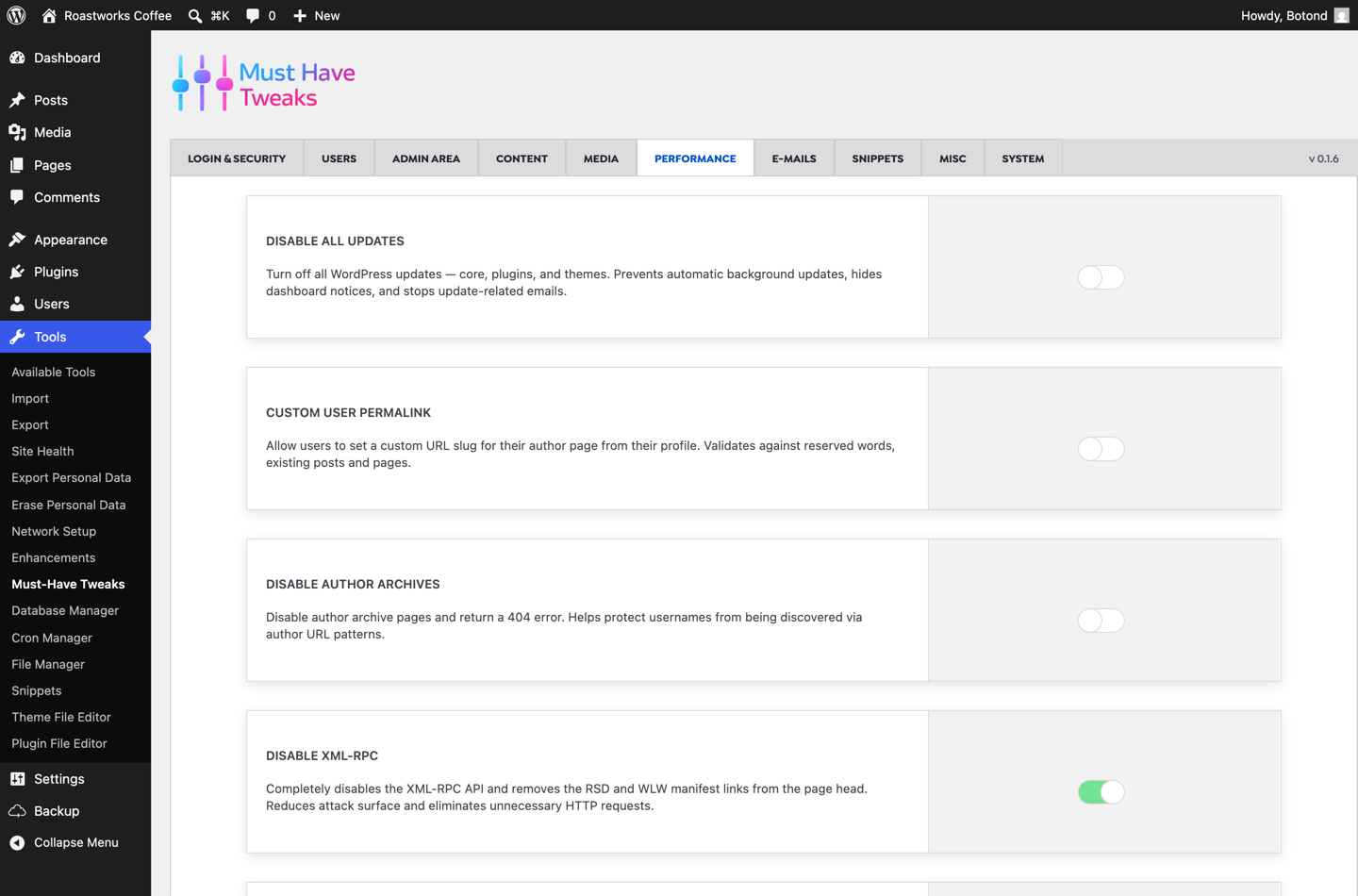
| Disable emoji, embeds, jQuery Migrate, XML-RPC | ✔ | ✔ | ✔ |
| Heartbeat control | ✔ | ✔ | ✔ |
| Revision limiting | ✔ | ✔ | ✔ |
Performance housekeeping is where the two plugins overlap most: both can strip emoji scripts, embeds, jQuery Migrate, the generator tag and XML-RPC, and both control heartbeat and revisions. If that is all you need, ASE’s free tier covers it and so does ours.
Content and admin interface
| Feature | Must-Have Tweaks | ASE Free | ASE Pro |
|---|---|---|---|
| Duplicate posts and pages | ✔ | ✔ | ✔ |
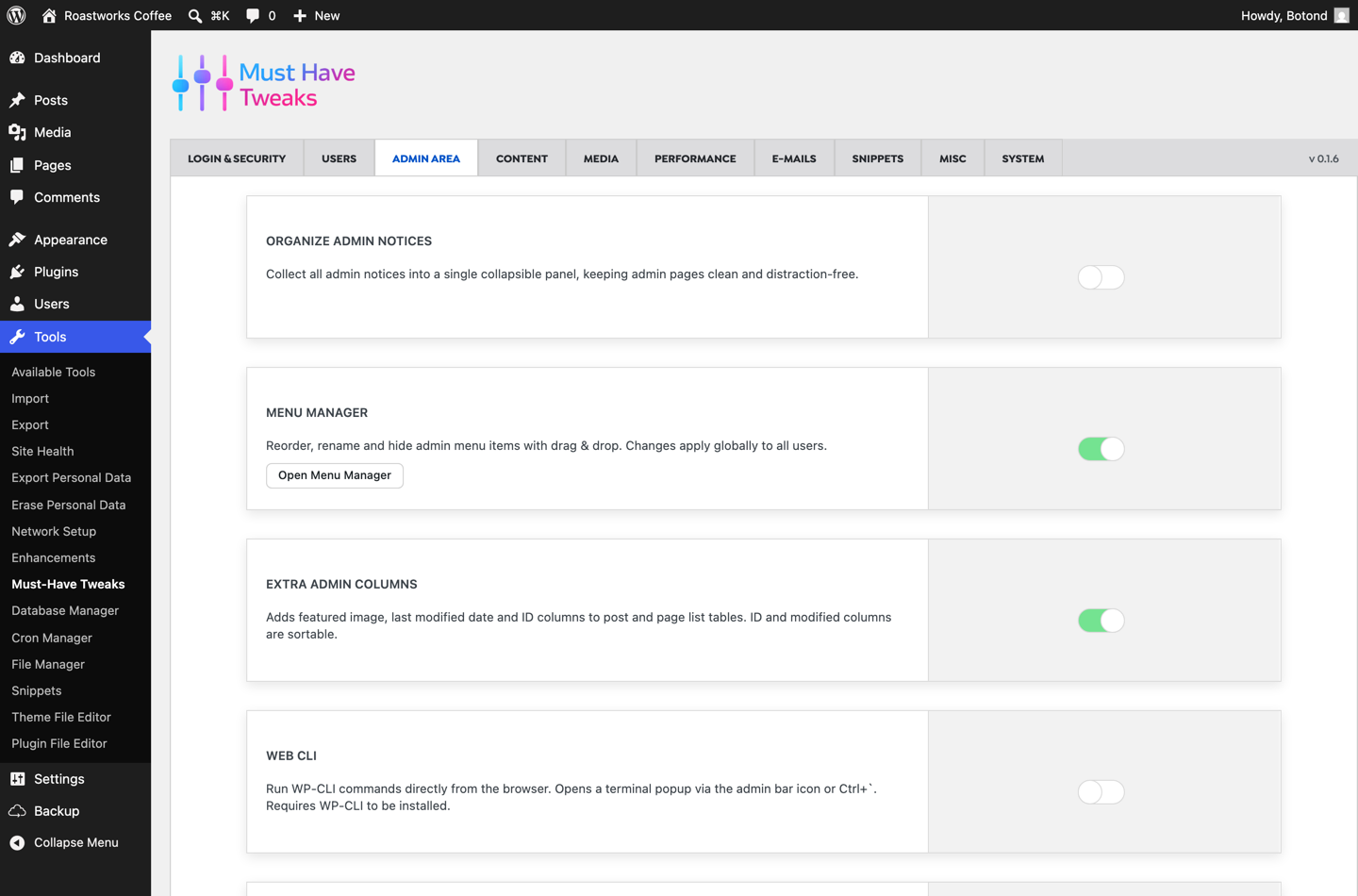
| Admin menu editor | ✔ | ✔ | ✔ |
| Admin columns manager | ✔ | — | ✔ |
| Maintenance mode | ✔ | ✔ | ✔ |
| Custom 404 handling | ✔ | ✔ | ✔ |
| Public preview for drafts | ✔ | — | ✔ |
| Local user avatars | ✔ | — | ✔ |
| Organise admin notices | ✔ | ✔ | ✔ |
| Content access restriction | ✔ | ✔ | ✔ |
| Custom content types / custom fields | — | — | ✔ |
| Form builder | — | — | ✔ |
| Backup and migration | — (see Must-Have Backup) | — | ✔ |
Where ASE is genuinely ahead
Three areas, and they are not small.
- Custom content types and custom fields. ASE Pro includes a full CPT, taxonomy and custom field group builder with page-builder integrations — positioned as an alternative to ACF Pro or Meta Box. We do not compete with that.
- Form builder. 33 field types, conditional logic, multi-step forms, entries management and webhooks. Again, an entire product category we do not cover in Tweaks.
- Backup and migration. ASE Pro bundles encrypted incremental backups and site-to-site migration. We keep backups in a dedicated plugin, Must-Have Backup, because we think point-in-time restore deserves a product of its own — but if you want it in the same toolkit, ASE bundles it.
ASE also has a genuinely large free tier and a huge user base, and if your needs stop at cleaning up the admin, disabling components and limiting login attempts, you can do that without paying anyone anything. That is a legitimate reason to choose it.
Price
| Must-Have Tweaks | ASE Pro | |
|---|---|---|
| 1 site | $29 / year | $39 / year |
| 5 sites | $79 / year | $99 / year |
| 25 sites | Unlimited sites via the Must-Have Pack | $149 / year |
| Lifetime option | — | $99 (1 site) to $1,499 (500 sites) |
| Free tier | — | ✔ (58 modules, 32 with Pro extras) |
| Money-back guarantee | 14 days | 14 days |
Must-Have Tweaks is also part of the Must-Have Pack: all ten of our plugins — including Backup, Cookie, Analytics and Swift Performance — for $19.99/month on three sites or $59.99/month on unlimited sites.
Who should choose what?
Choose Must-Have Tweaks if you:
- want modern login security — passkeys, magic links, TOTP and email 2FA — without a Pro upgrade or a second plugin
- need developer tools on the site itself: snippets with AI help, a file manager, a database manager, cron and WP-CLI
- manage a site with several contributors and want activity logging, role editing and temporary accounts
- prefer one price with nothing gated behind a higher tier
Choose Admin and Site Enhancements if you:
- need custom post types, taxonomies and custom fields in the same plugin
- want a built-in form builder or bundled backup and migration
- need CAPTCHA on login and comment forms specifically
- only need admin cleanup and component disabling, and want to stay on a free plugin
- prefer a one-time lifetime licence over a subscription
Frequently asked questions
Is Must-Have Tweaks a good Admin and Site Enhancements alternative?
For security and developer tooling, yes. Passkeys, magic links, activity logging, a database manager, a cron manager, a role editor and temporary accounts are all included, and none of them exist in ASE at any tier. If what you need is custom fields, a form builder or bundled backups, ASE Pro covers ground we deliberately do not.
Does ASE include two-factor authentication for free?
No. ASE’s 2FA module (authenticator app, recovery codes and email) is Pro only. Its free tier includes limit login attempts, but not 2FA. Must-Have Tweaks includes both TOTP and email OTP two-factor in the single price.
Which WordPress admin toolkit has more features?
ASE lists more modules — 76 against our 45 — but the count is split across free and Pro tiers, and it includes product categories we keep separate, such as forms and backups. On authentication, developer tooling and site administration, Must-Have Tweaks covers more ground with everything included.
Do these plugins slow down WordPress?
Both are modular, so a switched-off module costs you nothing — its code is not loaded. That is the argument for a toolkit over ten single-purpose plugins in the first place: fewer plugin headers, fewer update checks, one settings screen.
Can I run both plugins at the same time?
Technically yes — we did, for this comparison — but you should not in production. Two toolkits enabling the same tweak (disabling XML-RPC, changing the login URL, limiting login attempts) can conflict or silently double up. Pick one and switch the overlapping modules off in the other.
How many single-purpose plugins does a toolkit replace?
On a typical site, a lot. 2FA, limit login attempts, SMTP, mail logging, duplicate post, safe SVG, WebP conversion, maintenance mode, media folders, activity logging, role editing, cron viewing and a file manager are usually thirteen separate plugins. We wrote about that arithmetic in Must-Have Tweaks versus separate utility plugins.
The verdict
Admin and Site Enhancements is a good plugin with a generous free tier, a big install base and a Pro version that reaches into territory we do not touch — custom fields, forms and bundled backups. If those are on your list, it is the better fit and we would say so to anyone who asked.
But for the job most people actually buy an admin toolkit to do — lock the login down properly, get real tools for fixing things, know who changed what, and stop installing a plugin for every small tweak — Must-Have Tweaks covers more, gates less, and costs less. Passkeys, magic links, activity logs, a database manager, a cron manager, a role editor and temporary accounts are not upsells here; they are just switches you turn on.
Try Must-Have Tweaks with a 14-day money-back guarantee, or read the documentation to see every module before you install anything.
Tested on 6 August 2026: WordPress 7.0.2, PHP 8.3.33, Must-Have Tweaks 0.1.6 and Admin and Site Enhancements 8.9.2. ASE tier information taken from wpase.com and verified against the free plugin source. Prices checked on the same date and may change.